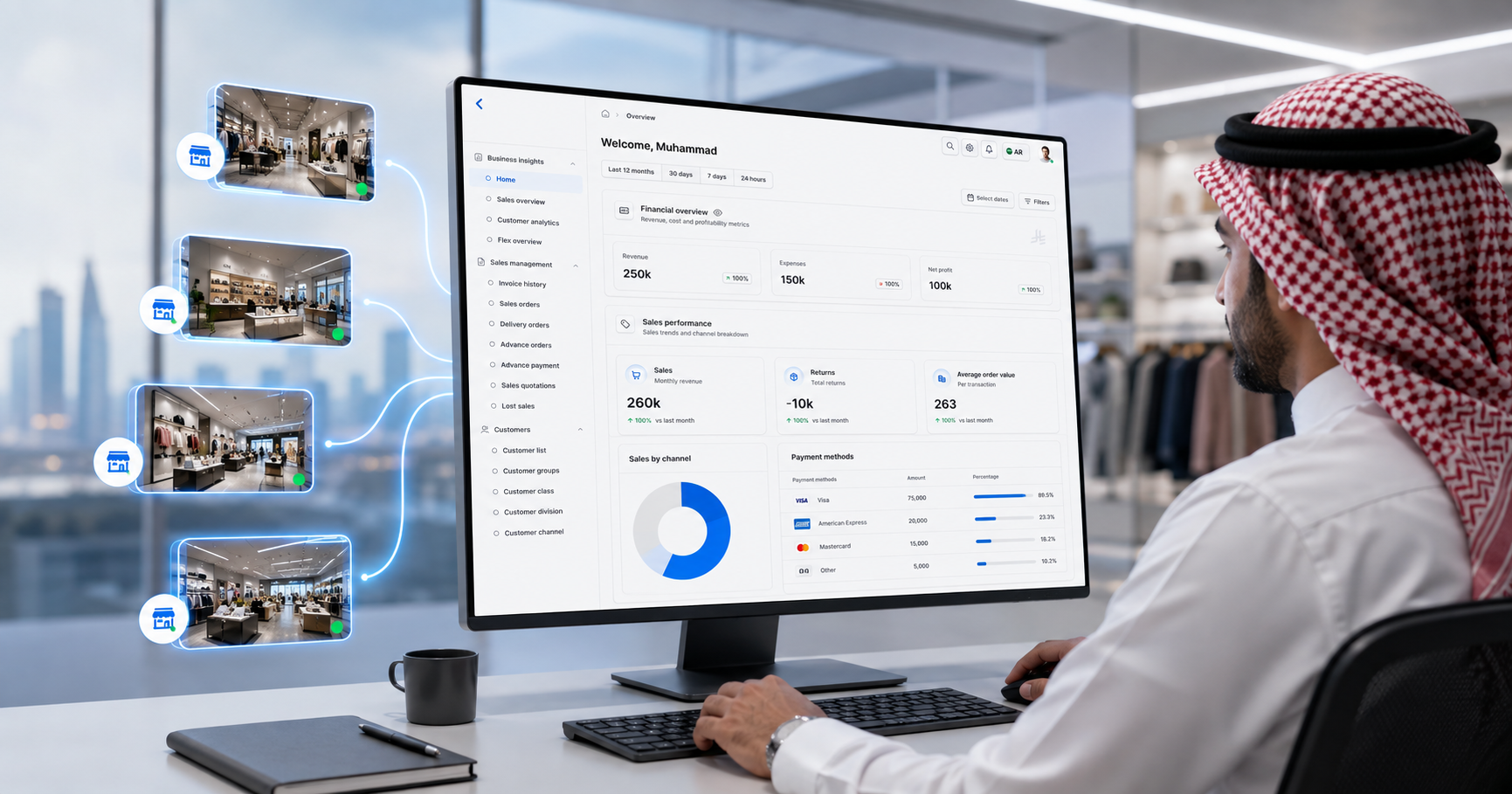
Managing multiple retail locations means staying on top of sales, stock levels, and store performance across every branch. During peak periods like Ramadan or Eid, when demand shifts quickly between locations, having real-time visibility is essential to making informed decisions without being physically present in every store.
With a local POS system, getting that full picture can mean waiting for reports from each store manager the next morning. Or maybe even a quick call to them at night. However, with a cloud POS system, you can check sales and stock across locations from one place, without waiting until the next morning.
You might be wondering: but how?
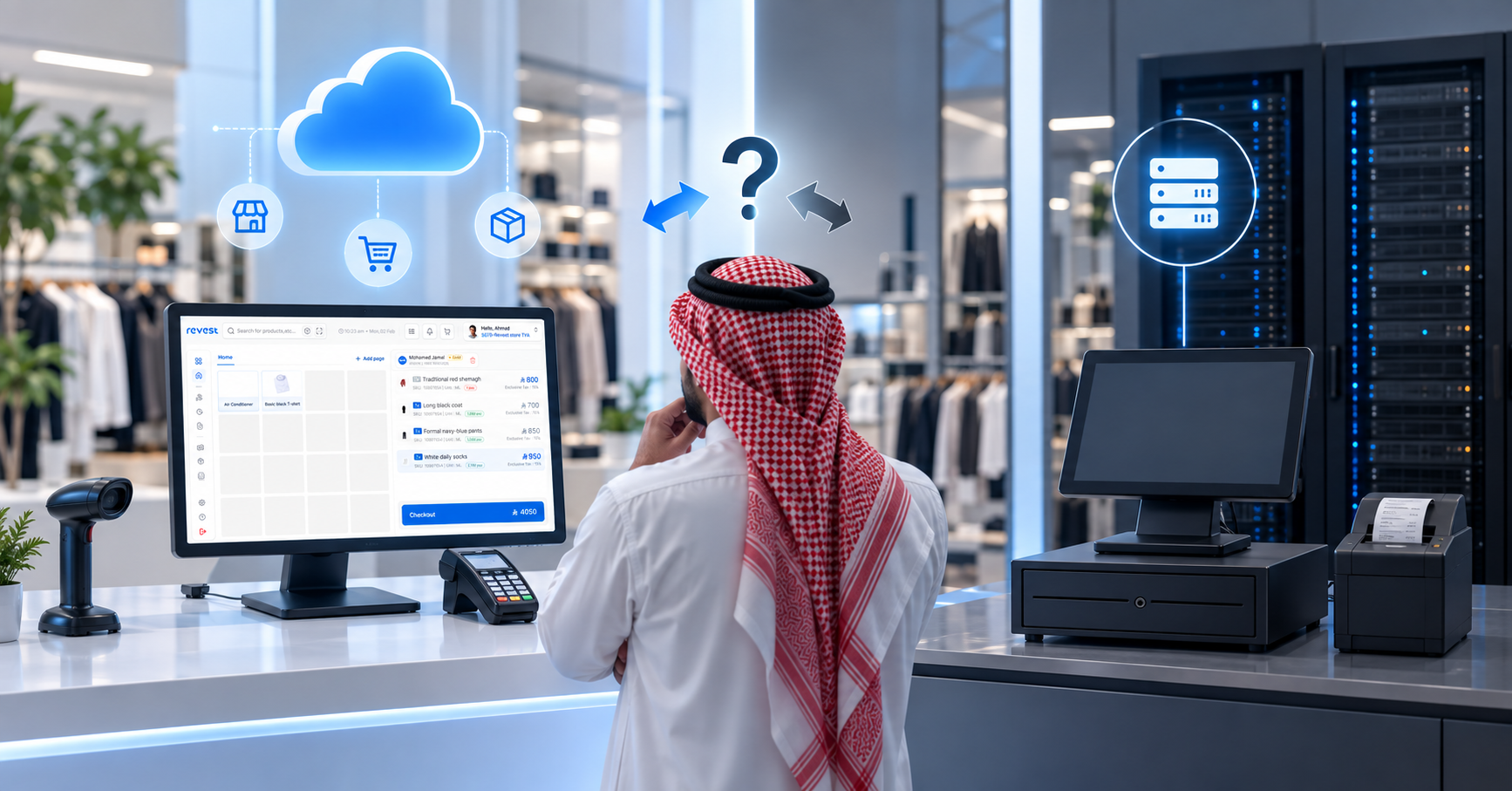
So, what is a cloud POS system? It’s POS software that keeps your sales, stock, and settings in one central place online, rather than on a server inside each store. Your tills connect to it, head office can see what’s happening across stores, and everyone works from the same up-to-date information.
For most big retailers in Saudi Arabia with more than one store, or with franchies, it’s ultimately the better fit.
In this guide, we’ll compare cloud and local POS systems on cost, maintenance, scalability, offline selling, security, and updates. You’ll also get a practical checklist to use in your next demo with the vendor of your choice; so you know what to ask before making such a critical decision.
What is the difference between a cloud POS and a local POS?
If it all boils down to one thing, both types of point of sale systems do the same job at the counter.
They both scan items, calculate total, take payments and print receipts.
Now you may be wonder, okay so what’s the real difference for me?
The difference is where your data lives. And that changes almost everything else.
With a local POS (also called an on-premise POS or a traditional POS), the software and database sit on a computer or server inside your physical store. You buy it, and you or your IT person keep it running. Each store is its own little island until someone sends the numbers to head office.
With a cloud POS, your tills connect to one single, central platform online. Your stores, your back office and your reports all read from the same data. You usually pay a subscription, and the provider looks after the servers.
New to POS altogether? Start with our guide on what a POS system is and how to choose one.
Now let’s do a little a side-by-side comparison
So, what’s the real difference between a cloud POS and a local POS when you’re running a retail business in Saudi Arabia?
Upfront cost
- Cloud POS: Much lower. Mostly devices and setup, with the software on a subscription.
- Local (on-premise) POS: Higher. Server hardware, licences and installation in every store.
Running cost
- Cloud POS: A predictable monthly or yearly fee.
- Local (on-premise) POS: Maintenance contracts, IT visits and replacing hardware over time.
Maintenance
- Cloud POS: Handled centrally by the provider.
- Local (on-premise) POS: Handled store by store, by your team or a vendor.
Updates
- Cloud POS: Reach all your stores together.
- Local (on-premise) POS: Installed store by store.
Opening a new store
- Cloud POS: Add the store and activate its tills.
- Local (on-premise) POS: Set up a new server and install the system again.
Offline selling
- Cloud POS: Depends on the system. A good one keeps selling and syncs later.
- Local (on-premise) POS: Keeps working inside the store, but head office sees nothing until it syncs.
Security and access
- Cloud POS: Central user roles and permissions, often with two-factor login.
- Local (on-premise) POS: Data stays on your premises, but each site needs its own protection and backups.
ZATCA e-invoicing
- Cloud POS: Set up once and applied across all stores.
- Local (on-premise) POS: Each installation has to be set up and kept compliant.
Try not to get overwhelmed by which option is better for you. There’s really no one-size-fits-all answer. It depends on how many stores you run today, how much IT support you have, and how you plan to grow over the next few years.
But here are the 6 questions that will decide it for your business
1. What happens when the internet drops?
This is probably every store managers nightmare. And for good reason. Picture a Saturday evening at a mall in Dammam. The network goes down, the line is ten people deep, and your cashier is staring at a loading screen. Not a good look for your store or business.
A cloud POS doesn’t have to mean online only. A good offline POS mode lets your team keep selling and issuing invoices, then syncs everything once the connection is back.
What does this mean for you? When reviewing POS systems, ask each vendor to unplug the network during the demo and show you:
- Can the cashier finish the sale and issue a valid tax invoice with a QR code?
- Which payment methods still work offline, and which don’t?
- What syncs on its own when the connection comes back?
2. How will you stay ZATCA compliant?
We all know that if you sell in Saudi Arabia, ZATCA e-invoicing is part of every sale.
Under ZATCA e-invoicing phase 2, the integration phase, your system has to create invoices in ZATCA’s required format and connect to its FATOORA platform. That should happen at the counter, automatically. Not after a few hours, and definitely not at your accountant’s desk.
With a cloud POS, you set this up once and every store follows the same rules. Simultaneously. So when you open a new store, compliance is part of the setup, not a separate project you need to worry about. Every business joins Phase 2 in its own wave. Check the official ZATCA website to see when is yours due.
3. How many stores will you have in three or five years?
One store is fairly easy to manage. But when you have three stores, ten stores, or a franchise now opening in a new country in the GCC, things get more complicated. You need the same products and prices to be synced across every location. Not only that but you want a simple way to compare sales without dumping and pulling everything from a complicated spreadsheet. Let’s be real, no body wants to bury themselves in spreadsheets anymore. Maybe in 2017, but not in 2026 and beyond.
This is where a multi-store POS in the cloud really earns its place. Adding a store becomes a setup task, not an IT project that stresses the entire team overnight. Not sure how that works? Read our guide on managing store networks and franchises.
4. What does your POS need to connect to?
Your POS needs to work with the other systems you already use, whether that’s an ERP like SAP or Microsoft Dynamics, your online store, card terminals, or loyalty programme. If these systems don’t connect, your team ends up entering the same information more than once and spending time fixing mismatched numbers.
There will always be errors. Minor or major.
Ask each vendor how the ERP POS connection works, whether data moves in real time or in batches, and what happens if a sync fails. When everything reads from one source, month-end stops being a weekend of recounting. More on that in our article on centralized retail data and better decisions.
5. Who looks after it?
With a local POS, someone has to look after the servers, backups and updates in every store.
Usually that someone is your IT person, driving from store to store. With a cloud POS, most of that moves to the provider. So before choosing a POS, ask the vendor how updates are handled, whether they could disrupt business hours, and how quickly a faulty checkout device can be fixed or replaced.
6. What will it really cost over five years?
The first quote never tells the whole story. Compare the total cost of ownership instead. Here’s a simple way to work it out:
5-year cost = setup costs (devices, licences, installation, moving your data) + 5 × yearly running costs (subscription or maintenance, support, IT time, replacing hardware) + integration costs + the cost of downtime
Plug in real quotes from each vendor. The option that looks cheaper on day one isn’t always the cheaper one by year five.
When does a local POS still make sense?
Let’s be honest: a local POS might be exactly what your business needs. Not every retailer needs a flashy cloud POS system to call themselves a successful business.
For example, if you run one abaya shop in Riyadh, sell a fairly consistent range of products, and have no plans to expand, a local POS system could work just fine.
It may also be the right choice if your internet connection is unreliable or your business requires all data to stay on your own hardware.
Or lets say you run a small grocery store in Jeddah. You have one location, which you’re happy with and its generating more than enough revenue for you. Let’s assume your product range rarely changes, and you’re happy staying local. Then in this case a local POS system might do everything you need. But if you start opening stores in Makkah and Madinah, keeping track of stock, prices, and sales across all three stores becomes a different story. A cloud POS system lets you check what’s happening across your stores from one place, without relying on each store to send you updates.
That’s where a cloud POS system can make managing a growing retail business much easier.
8 things to check before choosing a cloud POS system
Comparing POS software in Saudi Arabia? Don’t just take the vendor’s word for it. Ask them to walk you through these eight things in a live demo, so you can see how the system would actually work for your business.
Offline selling
- What to ask: Can the cashier finish a sale and issue a ZATCA-compliant invoice with no internet?
- Why it matters: Outages happen, and usually on your busiest days.
Automatic sync
- What to ask: Do offline sales and invoices upload on their own once the connection is back?
- Why it matters: Nobody should have to remember to press a button at closing time.
Offline limits
- What to ask: Which payment methods and features need a connection?
- Why it matters: You want to know before the outage, not during it.
Central control
- What to ask: Can you manage products, prices and promotions for every store from one place?
- Why it matters: The same jacket should cost the same in Riyadh and Jeddah.
Roles and access
- What to ask: Can you set what each user sees and does, by role and by store? Is two-factor login available?
- Why it matters: Not everyone needs access to everything.
Integrations
- What to ask: Does it connect to your ERP, online store and payment terminals? In real time or in batches?
- Why it matters: Disconnected systems mean double entry and out-of-date numbers.
New stores
- What to ask: How long does it take to set up a new store and activate its tills?
- Why it matters: Your growth shouldn’t wait on IT.
Hosting and backup
- What to ask: Where is your data hosted, and how are backups and recovery handled?
- Why it matters: It’s your business data. You should know where it lives.
So, which POS system is right for your business?
Now that we’ve gone through the nitty-gritty of local versus cloud POS, it’s your turn. Which one fits the way you run your stores?
Sometimes the answer comes down to three simple questions:
- Are you growing? If you plan to open more stores, a cloud POS system grows with you.
- Do your systems talk to each other? If you’re juggling inventory, loyalty and your ERP separately, it’s time to bring them together.
- Can you see every store at a glance? If your reports still live in spreadsheets, you’re losing time you don’t have.
If you said yes to any of these, you’re ready for the cloud.
Revest is the leading retail management platform in Saudi Arabia and the GCC. It has helped enterprises and growing retailers run inventory, loyalty, sales targets and stores from one place. It keeps selling when the internet drops, handles ZATCA e-invoicing, and connects to the ERP you already use.
Looking to achieve similar results? Talk to the Revest team, bring the checklist above, and we’ll run the offline test with you.
Frequently Asked Questions
What is a cloud POS system?
A cloud POS system keeps your sales, stock and settings online in one central place, instead of on a server in each store. Your tills connect to it, and head office sees the same data in real time.
Does a cloud POS work without internet?
It depends on the system. A POS built for offline use keeps selling and issuing invoices, then syncs when the connection returns. In Revest POS, for example, sales on account and voucher redemption need to be online. Always ask for the list of what works offline.
Is a cloud POS cheaper than a local POS?
It usually costs less upfront and is easier to predict month to month. Compare the five-year total, including hardware, support, IT time and integrations, before you decide.
Is a cloud POS ZATCA compliant?
It can be, and so can a local one. Check that the system creates compliant e-invoices and QR codes at checkout, including offline, and connects to ZATCA’s FATOORA platform automatically.
Is my data safe in a cloud POS?
Ask where the data is hosted, who can access it, whether two-factor login is available and how backups work. Central roles and permissions often give you more control than separate servers in every store.
Can I switch from a local POS to a cloud POS without closing my stores?
Yes, with a phased plan. Move your product and customer data first, run one pilot store, train your team, then roll out store by store.
The best time to review your POS system is before your busiest season, not in the middle of it. If you’d like to see how a cloud POS system would work across your stores, your ERP and your ZATCA setup, request a tailored demo here.